
Using Current Date and Time In VS Code Snippets
Learn how to use current date and time in VS Code Snippets.
1 minute read
Previously when generating new blog articles (inVS Code, now I generate articles in Obsidian), adding dates to Markdown frontmatter was a manual step that required me to:
- Determine the date
- Convert what I read into the date format I use for frontmatter
As of VS Code release 1.20, Snippets have access to the current date and time with one of the following variables:
CURRENT_YEARCURRENT_YEAR_SHORTCURRENT_MONTHCURRENT_DATECURRENT_HOURCURRENT_MINUTECURRENT_SECOND
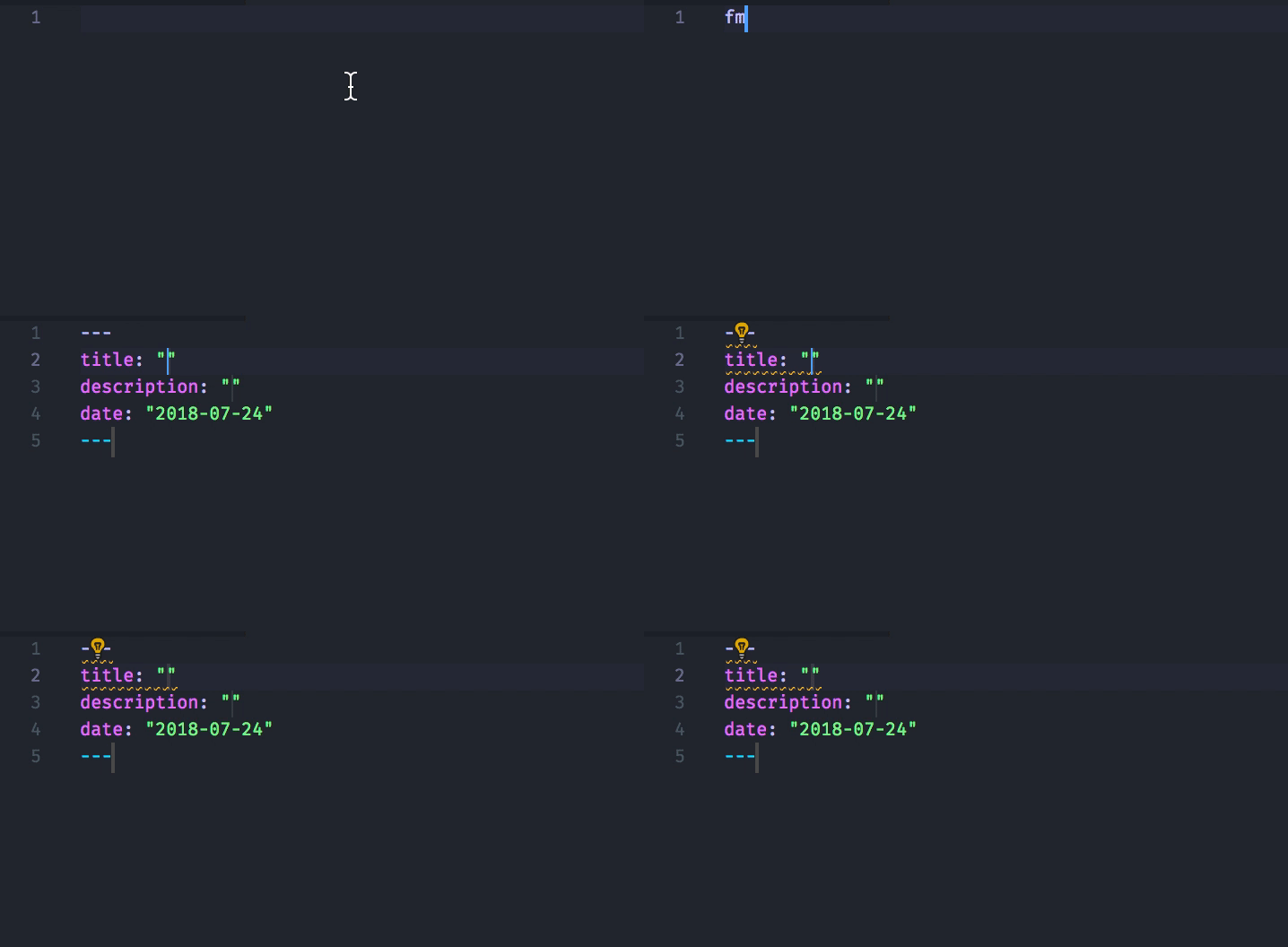
Now if I want a frontmatter “date” for Markdown for the current year, month and day (YYYY-MM-DD), I can add the following to my snippet:
date: "\"$CURRENT_YEAR-$CURRENT_MONTH-$CURRENT_DATE\""Using the published date of this post, the expanded snippet produces:
date: "2018-07-24"