My Desk Setup
My work from home desk setup.
2 minute read
I am head over heels for my desk setup.
If I’m going to spend close to 8 hours a day in a space and I have the resources to put into making it nice, I’m going to make sure it’s setup in a way that brings me energy.
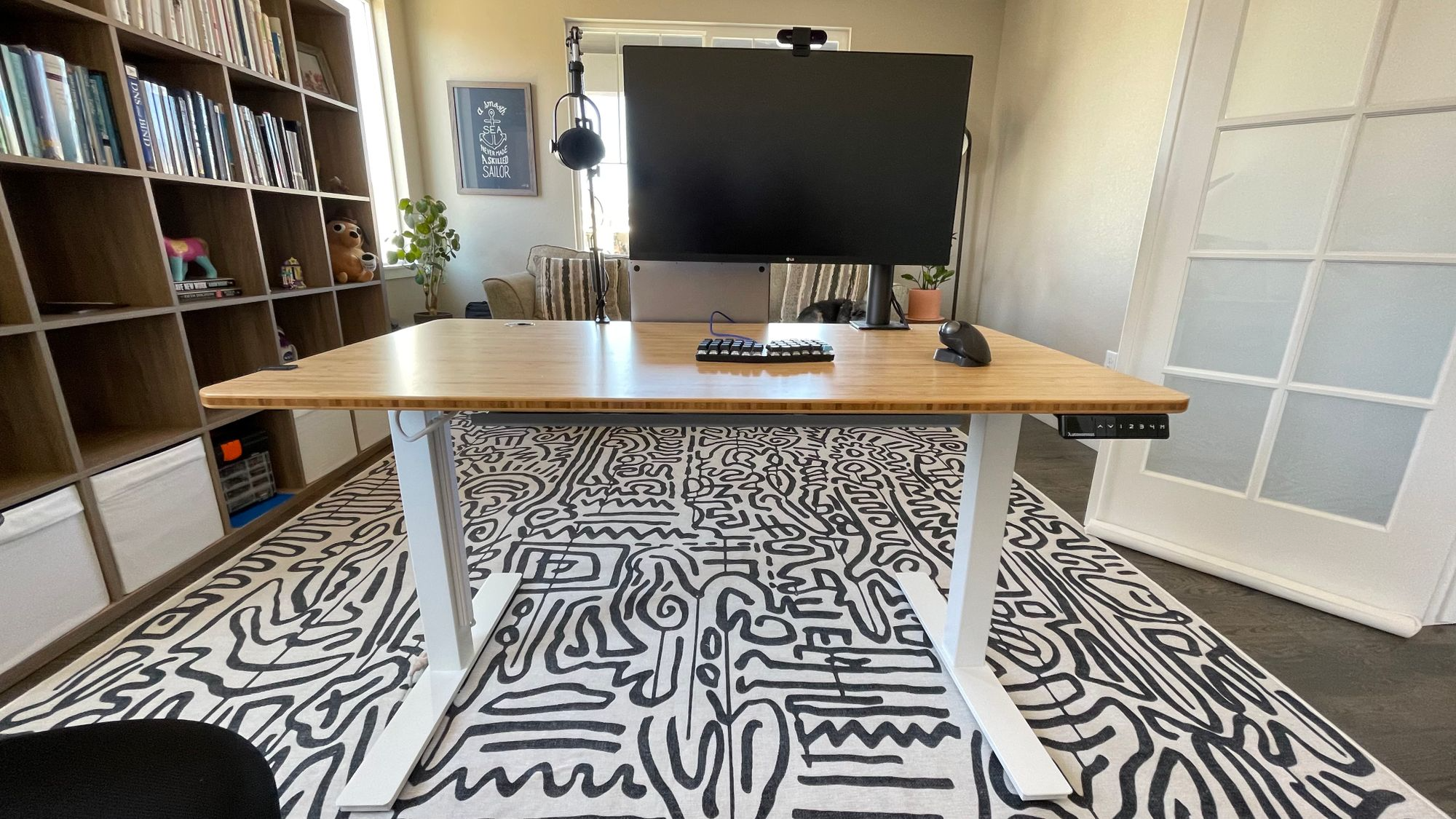
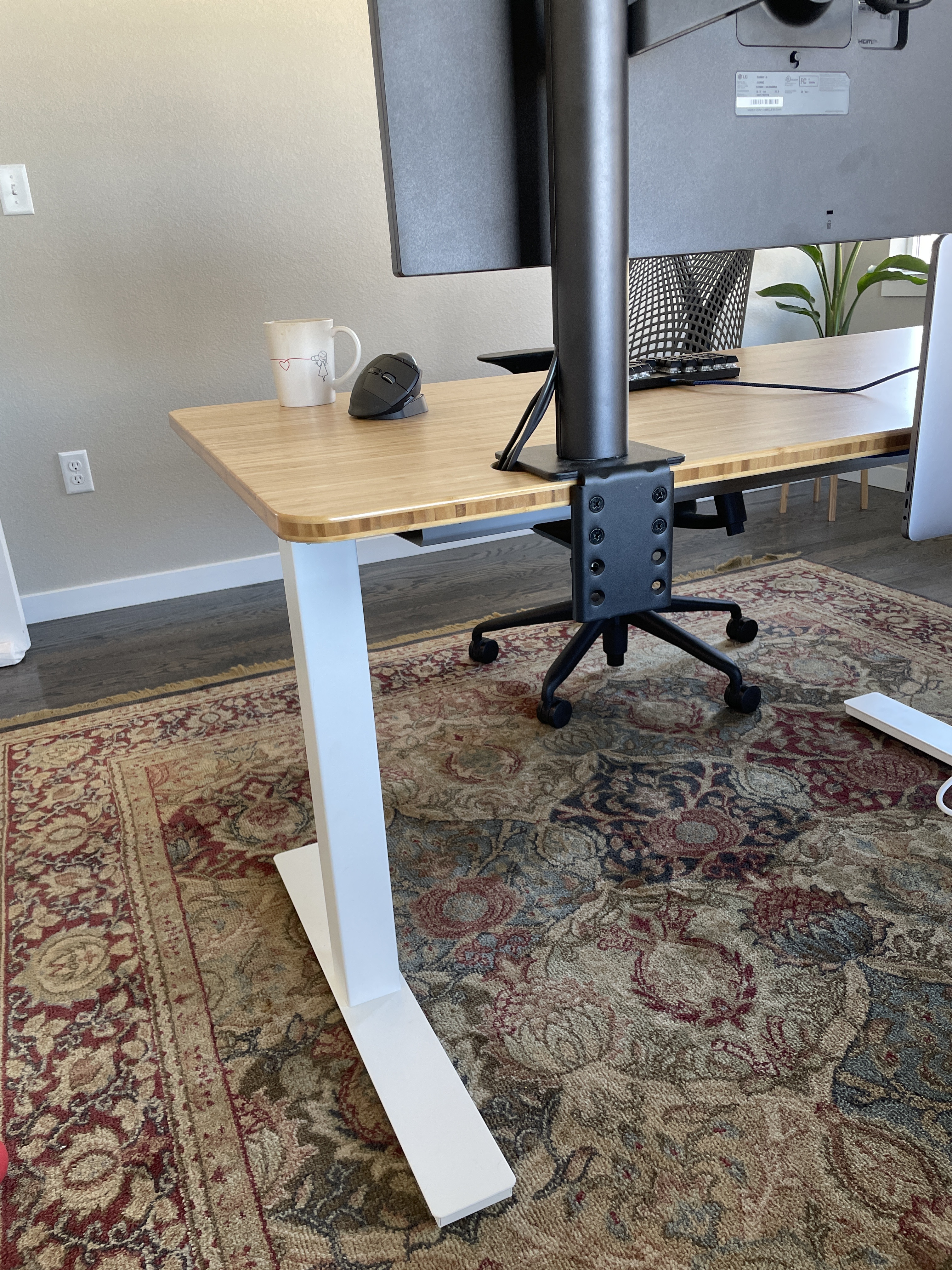
This is my second Autonomous AI desk.
- bamboo surface
- White frame
- Dual motor
- Dimensions: 53” x 29”
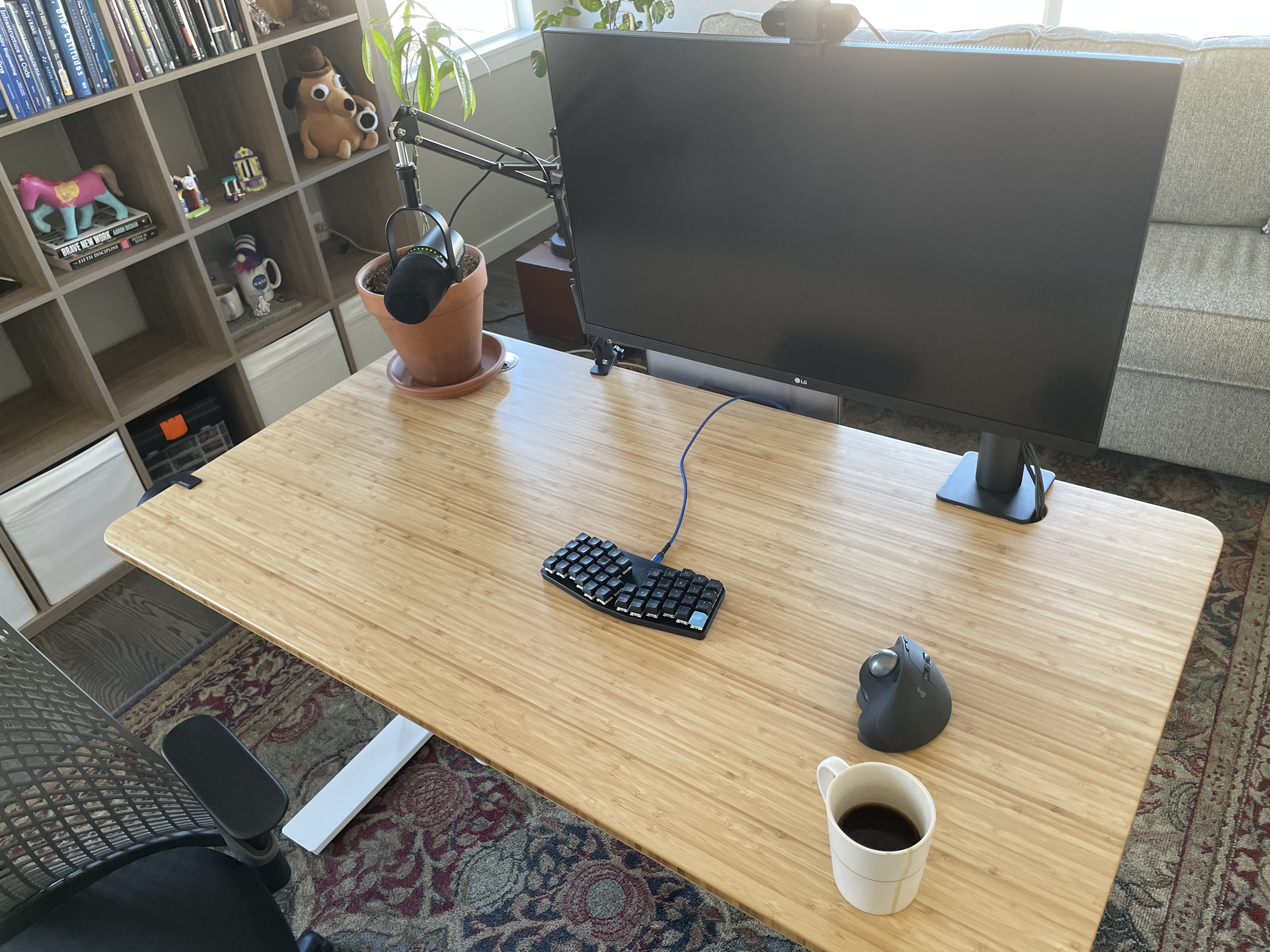
Accessories
I have a number of accessories attached to my desk that help me keep my home office tidy.
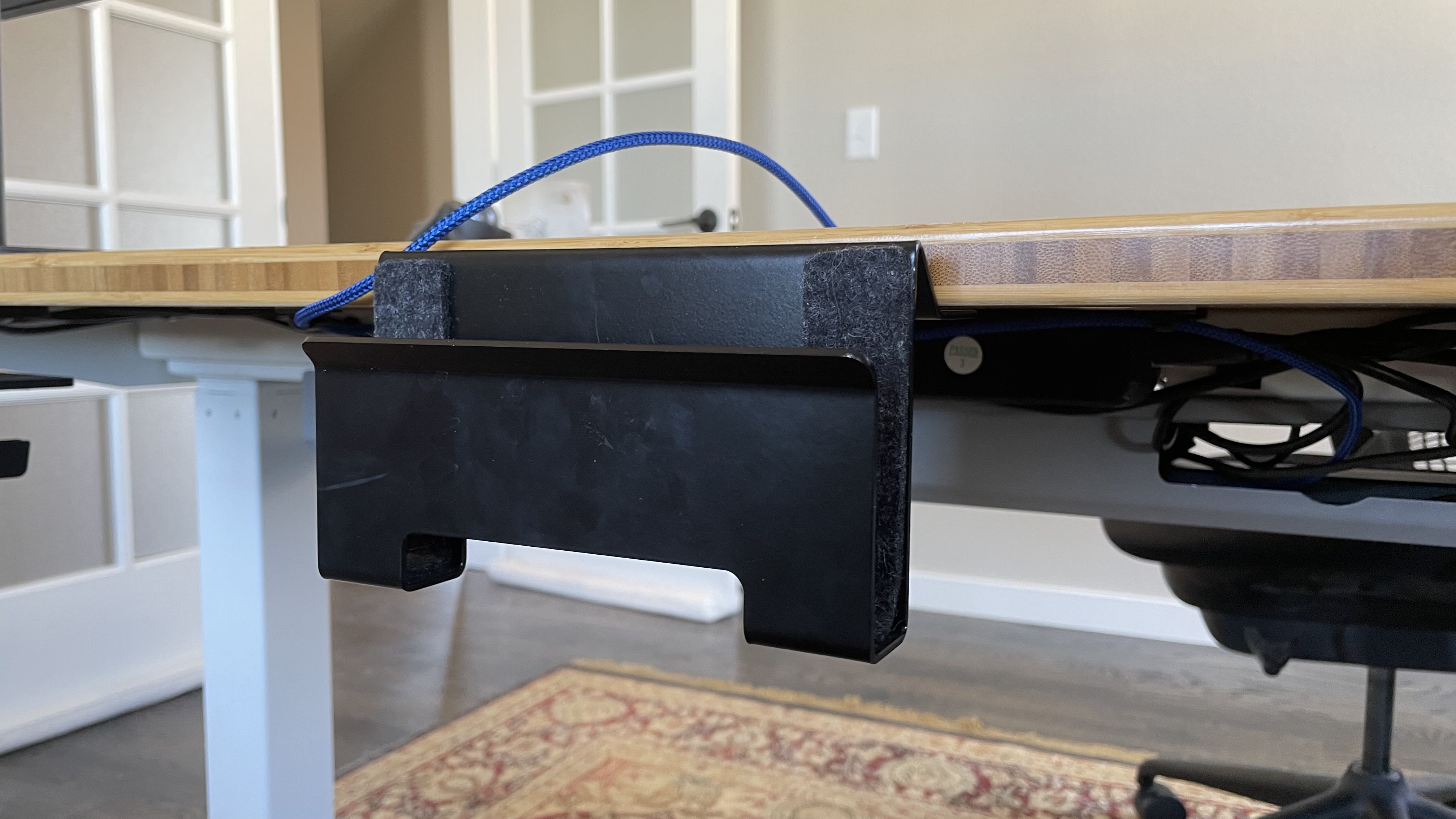
Laptop Dock
To keep my laptop out of the way, I use the SETUP COCKPIT Laptop Dock (direct link). It was easy to attach to my desk with some predrilled holes.

Power Supply/Surge Protector
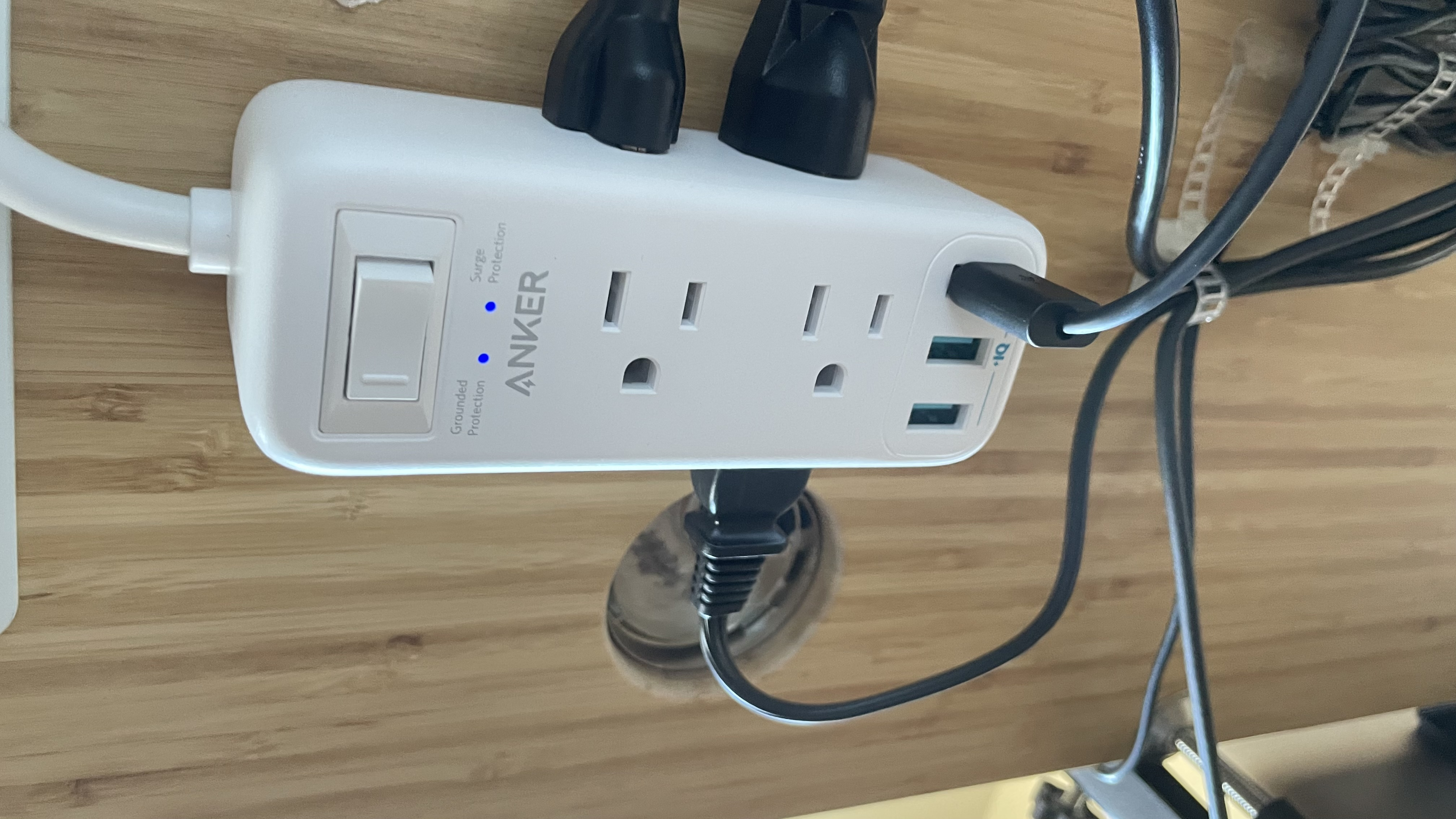
Anker Power Strip Surge Protector with USB, 6 ft Extension Cord, Flat Plug, 332 Power Strip with 6 Outlets and 3 USB Ports (direct link)
Anker Docking Station
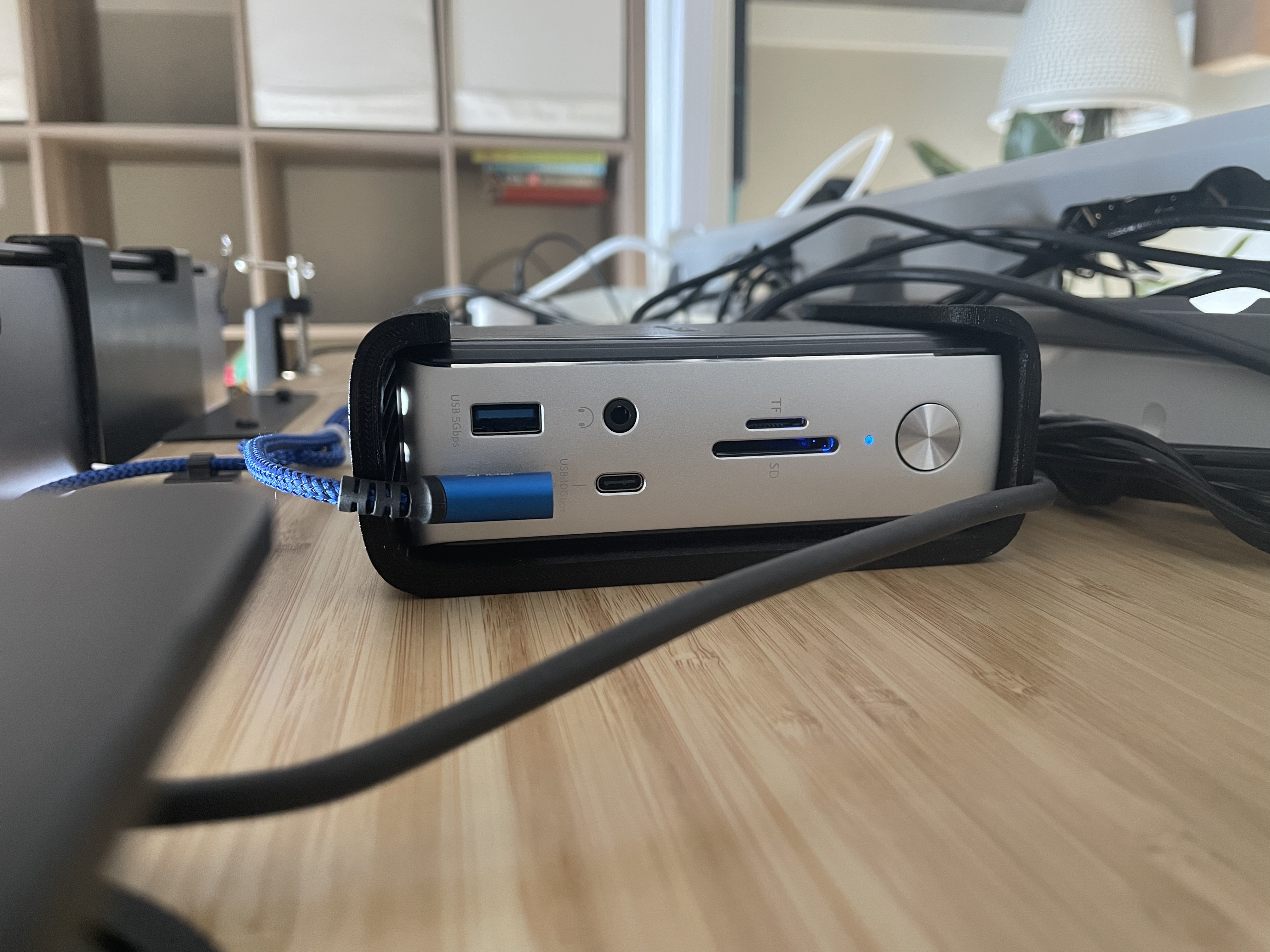
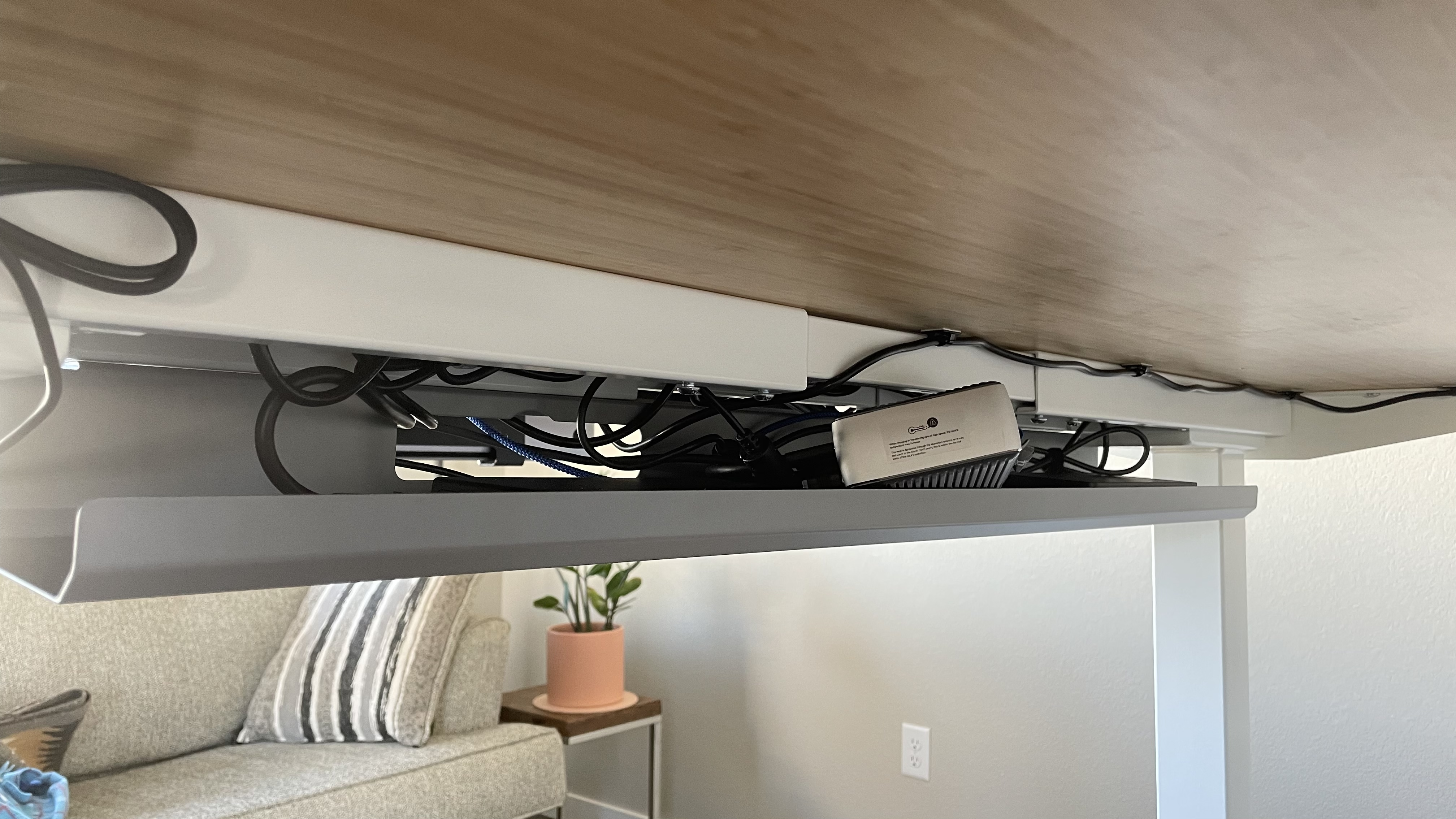
I use the Anker 577 Thunderbolt Docking Station attached with a custom bracket mounted to the bottom of my desk. This allows me to attach all of my peripherals to my laptop and charge it with a single cable.
It makes it really easy everything in with no hassle.
Cable Management
Cable Tray
Autonomous AI Cable Tray (direct link). There’s still some work to do with my Anker Dock.
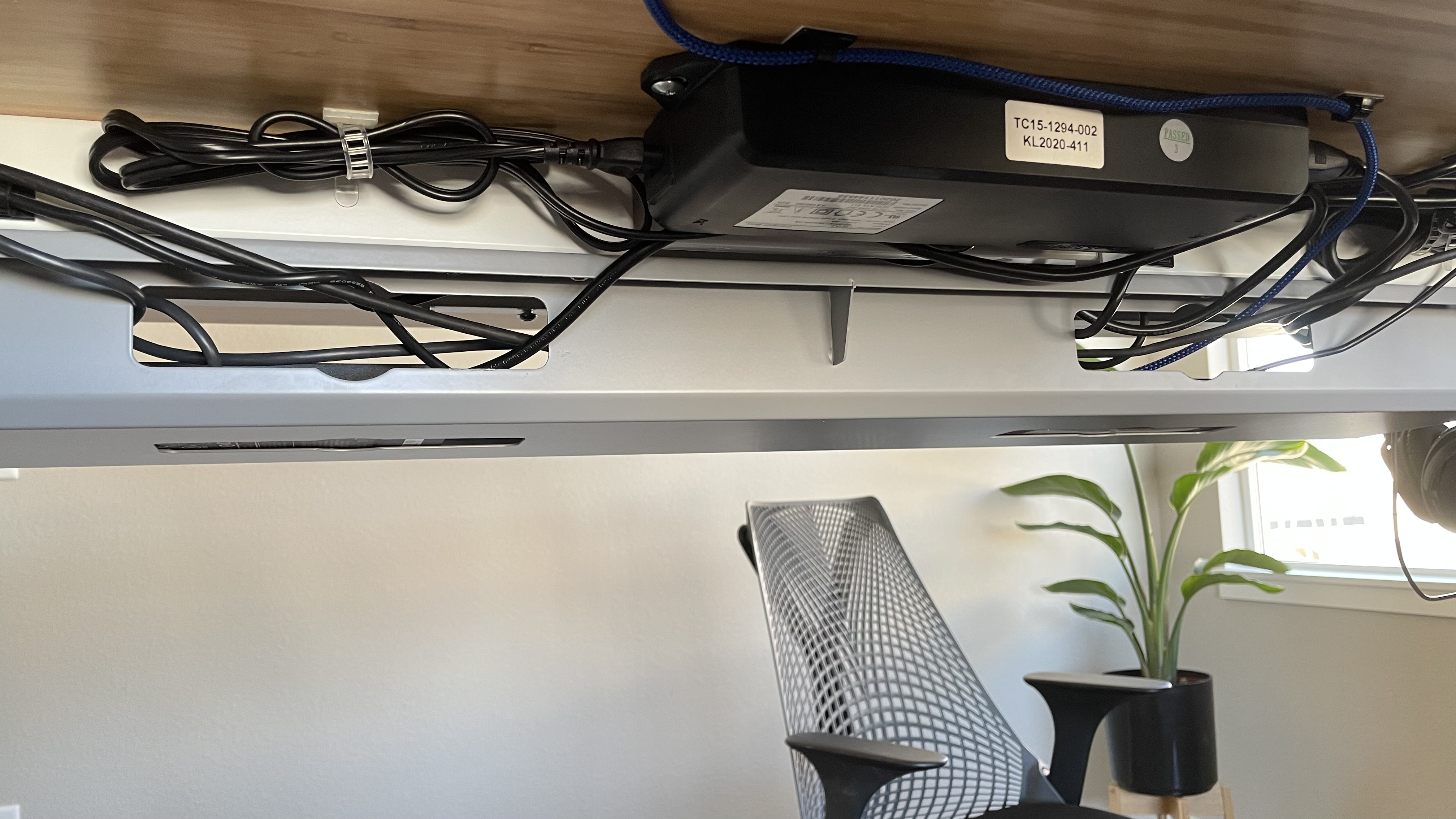
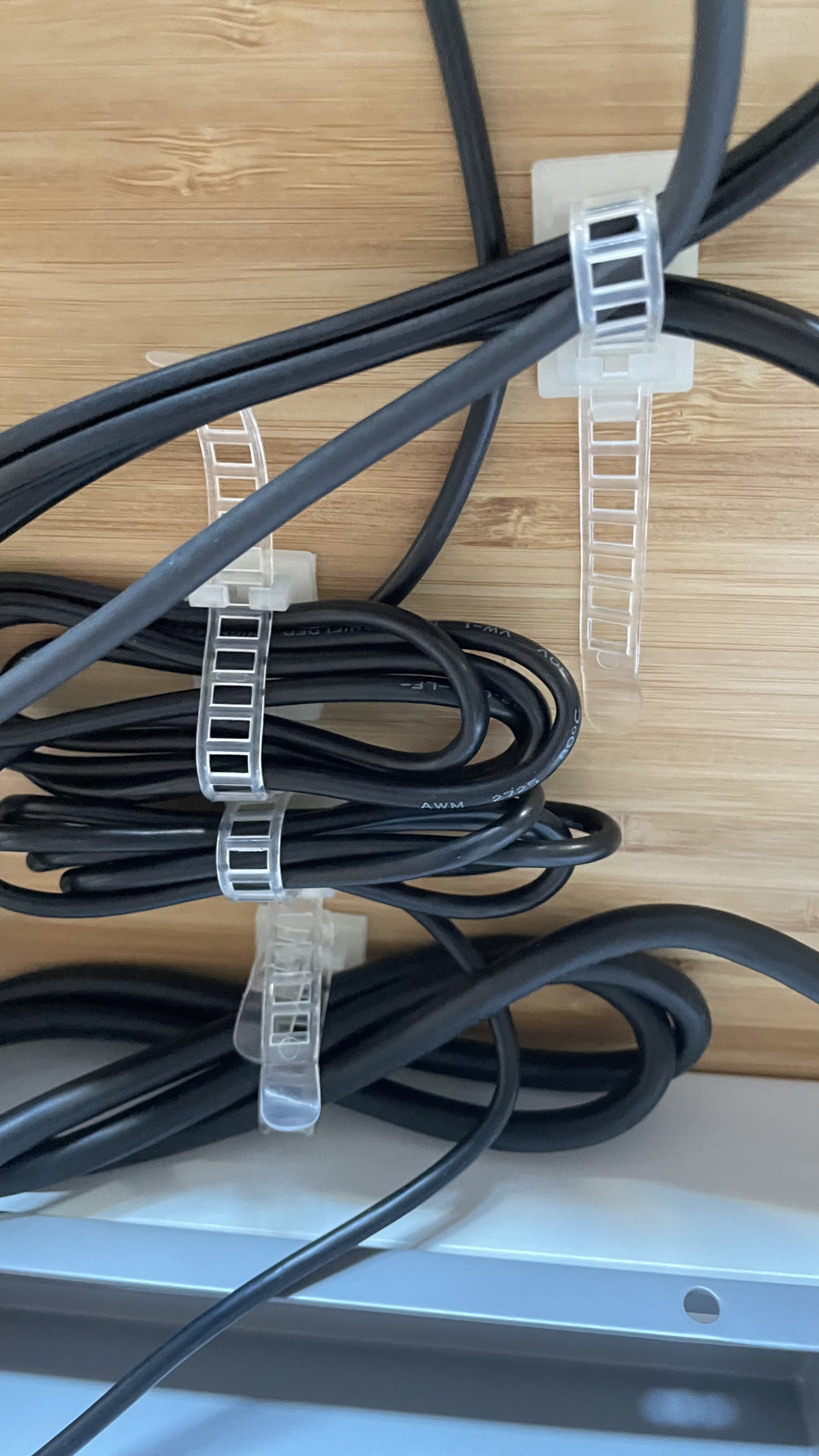
Adjustable Self-Adhesive Nylon Cable Tie mounts Cable Straps with Optional Screw Cord Clamps
These cord clamps are awesome for managing long cables and cords easily. (direct link)